![Screenshot 2025-02-20 104356.png]](https://employeekb.persimmony.com/hs-fs/hubfs/Screenshot%202025-02-20%20104356.png?height=40&name=Screenshot%202025-02-20%20104356.png)
Why does the Signature page look different than it did in Legacy?
The Signature page in Suite has been simplified for ease of use. It only displays assessments that:
-
Are configured for signature,
-
Have not yet been signed,
-
And fall within your User Group’s access.
Legacy included extra filters and columns that often caused confusion. Suite removes that clutter, showing only the assessments that require your attention.
What happens if I accidentally select an already signed assessment while batch signing?
There’s no need to worry—Suite automatically ignores assessments that have already been signed during the batch signing process. These entries remain unchanged.
How is it determined which assessments need to be signed?
An assessment will appear on the Signature page only if it meets the following criteria:
-
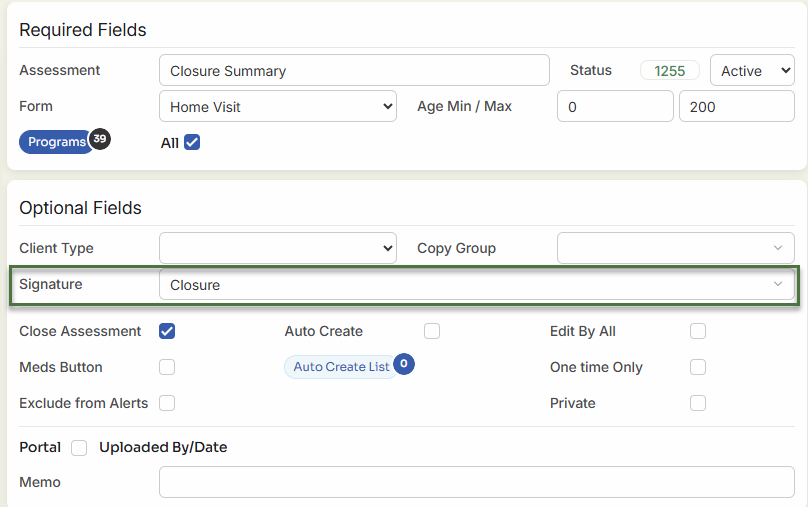
The assessment has a Signature Type selected in Setup > Assessments.
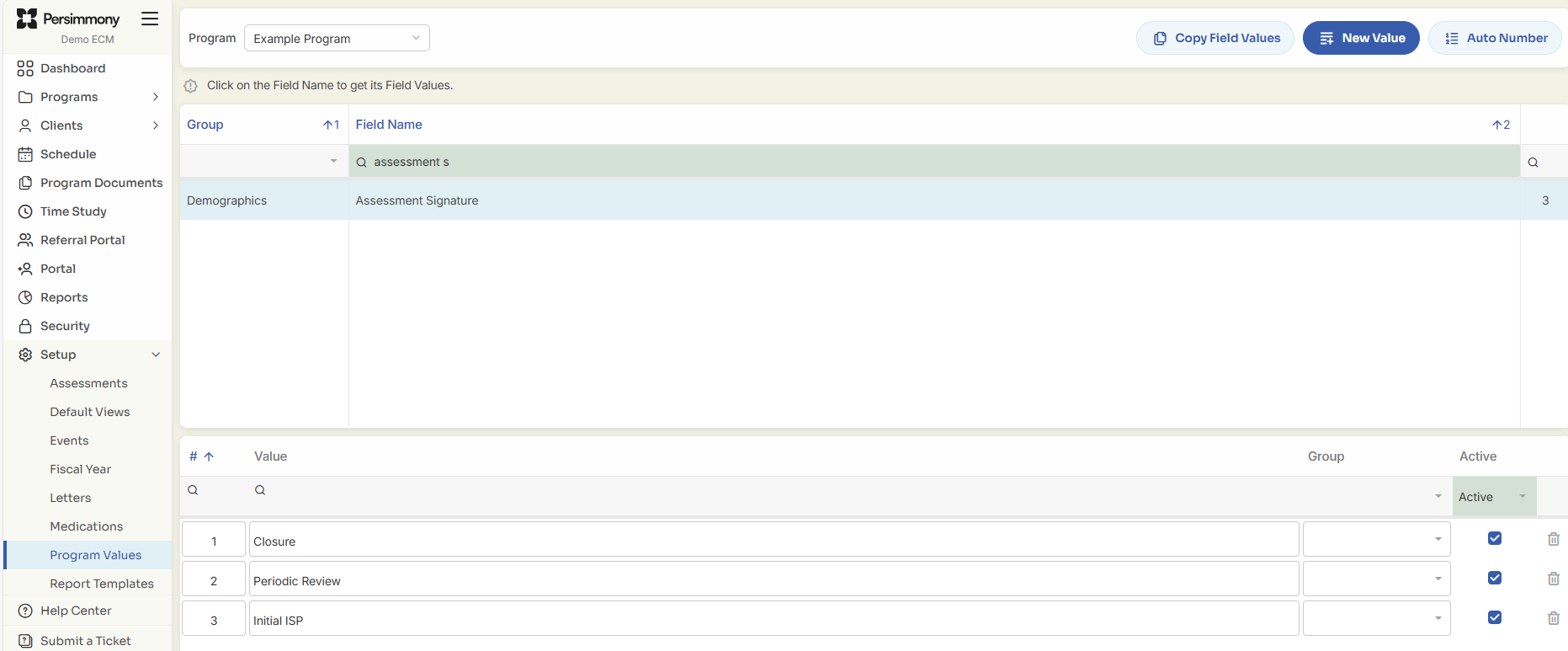
2. That Signature Type is defined under Setup > Program Values > Assessment Signature.
Why doesn’t an assessment I expected show up on the Signature page?
Here are the most common reasons:
-
The assessment does not have a Signature Type selected in Setup > Assessments.
-
Your User Group does not have access to the client or the program the assessment belongs to.
❗ In Legacy, a known issue sometimes caused unsigned assessments to appear even without proper configuration. Suite resolves this—only correctly configured assessments will display.
? Tip: To view all assessments for a client, open any of their assessments and click Back to return to their Client Profile.
Where do I enable or disable access to the Signature page?
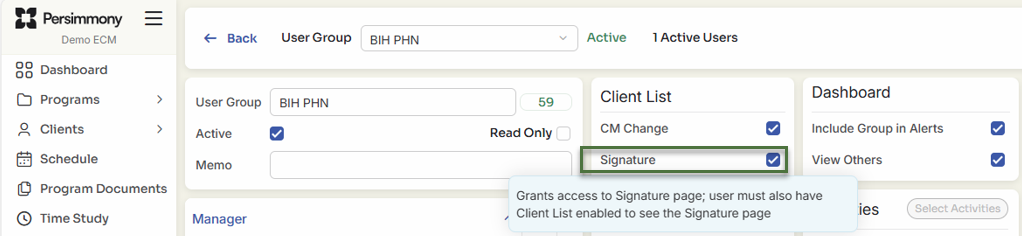
Access is managed at the User Group level in Security.
To enable access:
-
Go to Security > User Group.
-
Locate the relevant User Group.
-
Ensure Signature is checked in the group’s permission settings.